Lab Guide 1 - Multi-vendor
Intent-Based Analytics - Probe Basics
Intent-Based Analytics (IBA) helps manage complex networks by bridging the gap between raw data and actionable intelligence. IBA probes provide the following benefits:
-
Proactive Monitoring - IBA continuously checks network health against predefined expert rules and dynamically updates as the network evolves.
-
Customization and Automation - Users can create sophisticated analytics pipelines and use them to extract meaningful insights from large amounts of telemetry data.
-
Enhanced Telemetry Analysis - Built-in and user-defined telemetry collectors can be customized to collect data from existing NOS commands.
-
Real-Time and Historical Insights - Analysis of real-time and historical telemetry provides trend analysis, statistical insights, and anomaly detection to support long-term planning and troubleshooting.
This simple exercise demonstrates the fundamentals of working with a predefined IBA probe.
Instantiate Predefined IBA Probe
-
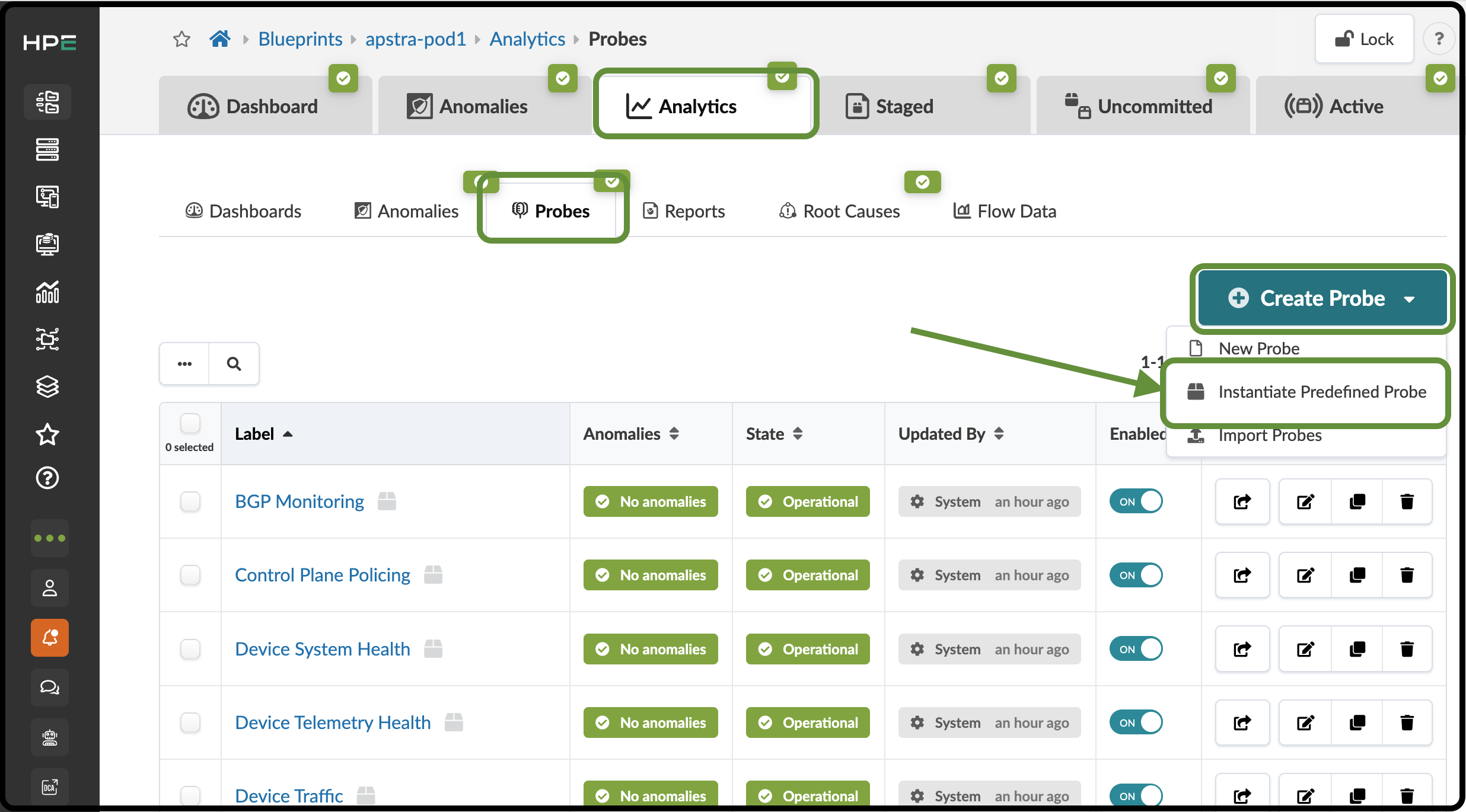
From the Blueprint, navigate to Analytics > Probes, click Create Probe, and select Instantiate Predefined Probe.
-
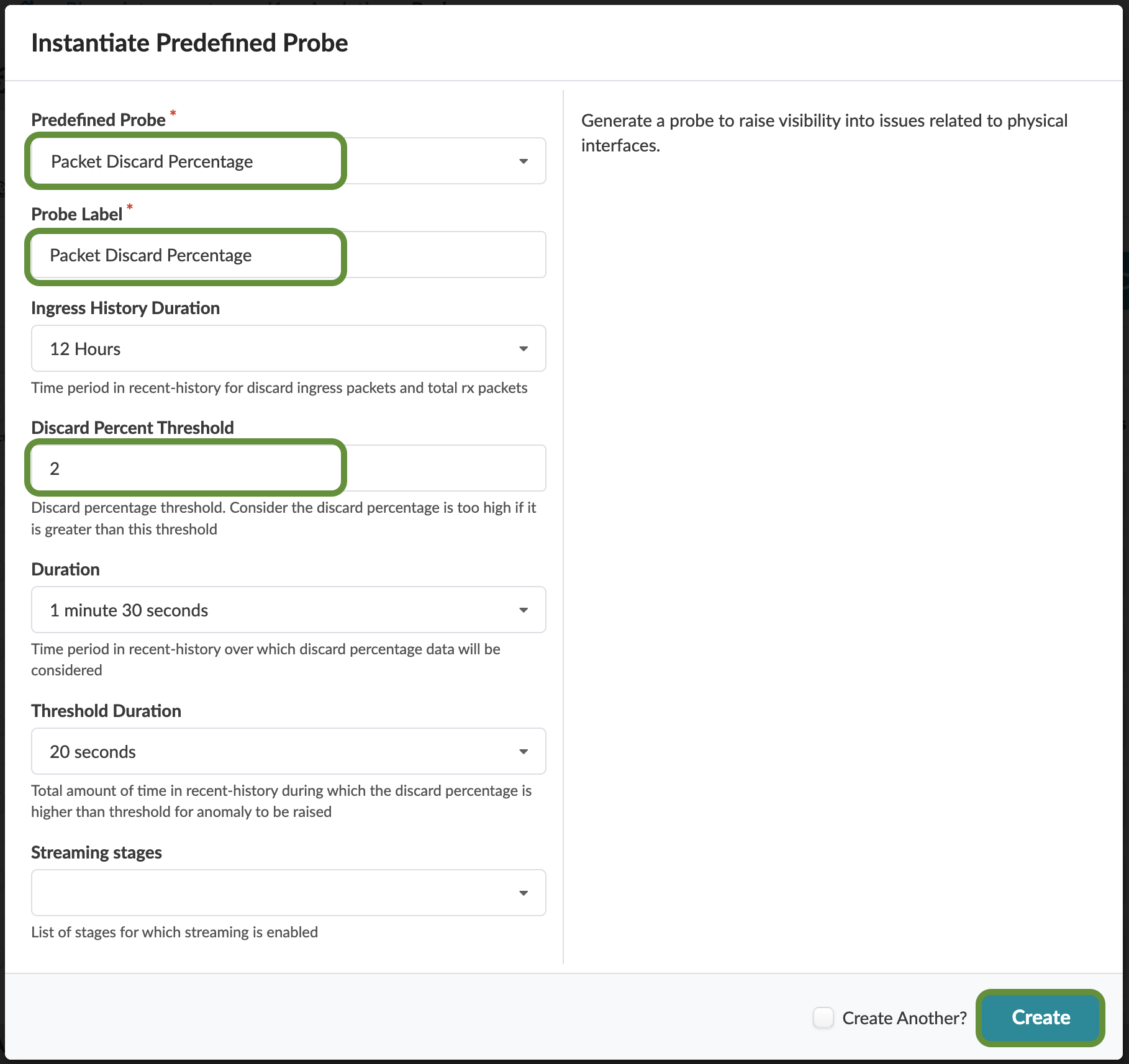
Enter or select the values shown in the table below. Leave the other values at their defaults.
Table 1. Table Packet Discard Percentage Probe Parameter Value Predefined Probe
Packet discard percentage
Probe Label
Packet discard percentage
Discard Percent Threshold
2
-
Click Create to create the probe and open the Packet discard percentage details view.
-
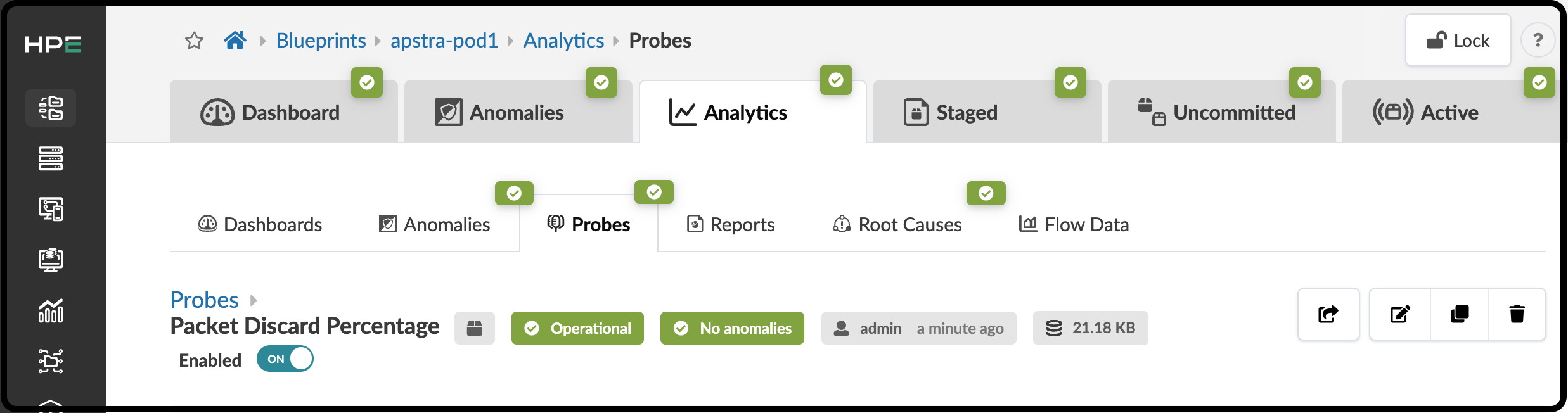
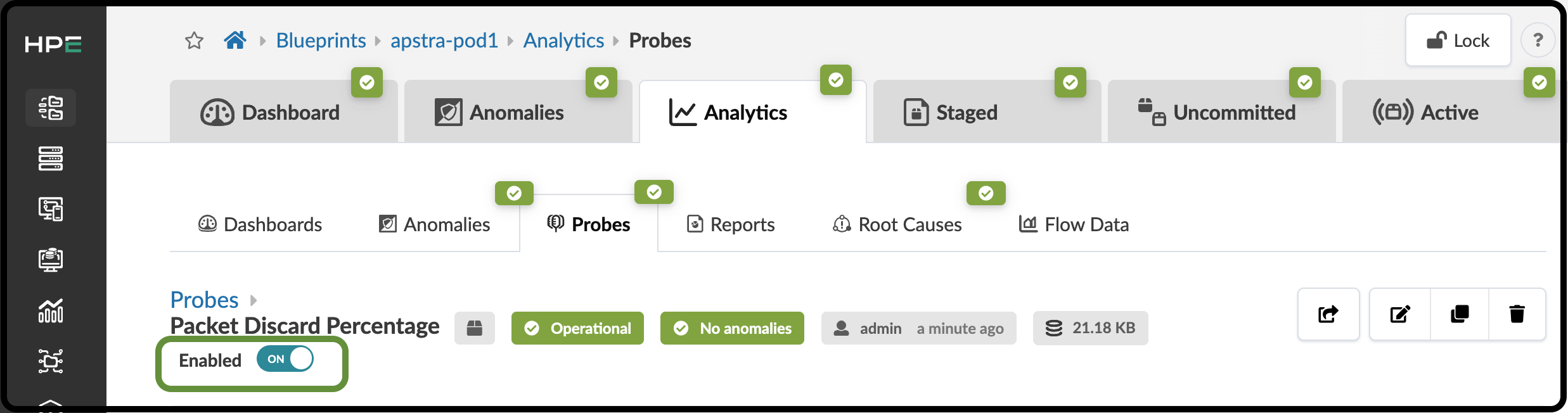
Wait for the two green labels to appear, confirming that the probe is operational and that no anomalies exist.